
Key Takeaways
LiDAR gives a robot vacuum a measured view of its surroundings, but it is only one part of the cleaning system.
- LiDAR uses laser measurements to estimate distances and build room maps.
- It can navigate effectively in dim or dark rooms because it does not depend on visible light.
- Smart mapping software turns sensor data into routes, room divisions, and no-go zones.
- LiDAR may struggle with very low furniture, reflective surfaces, or dusty sensors.
- Your best choice depends on your floor plan, obstacles, app features, cleaning needs, and budget.
What LiDAR means in a robot vacuum
If you are asking, “What Is LiDAR in a Robot Vacuum?”, the short answer is that it is a laser-based sensing system used to measure the space around the machine. The sensor gathers distance information as the robot moves, helping it understand walls, furniture, and open floor. Software then uses those measurements to plan movement rather than relying on random travel or repeated bumping. That makes LiDAR a navigation tool, not a guarantee of stronger suction or deeper cleaning.
The basic principle behind laser detection and ranging
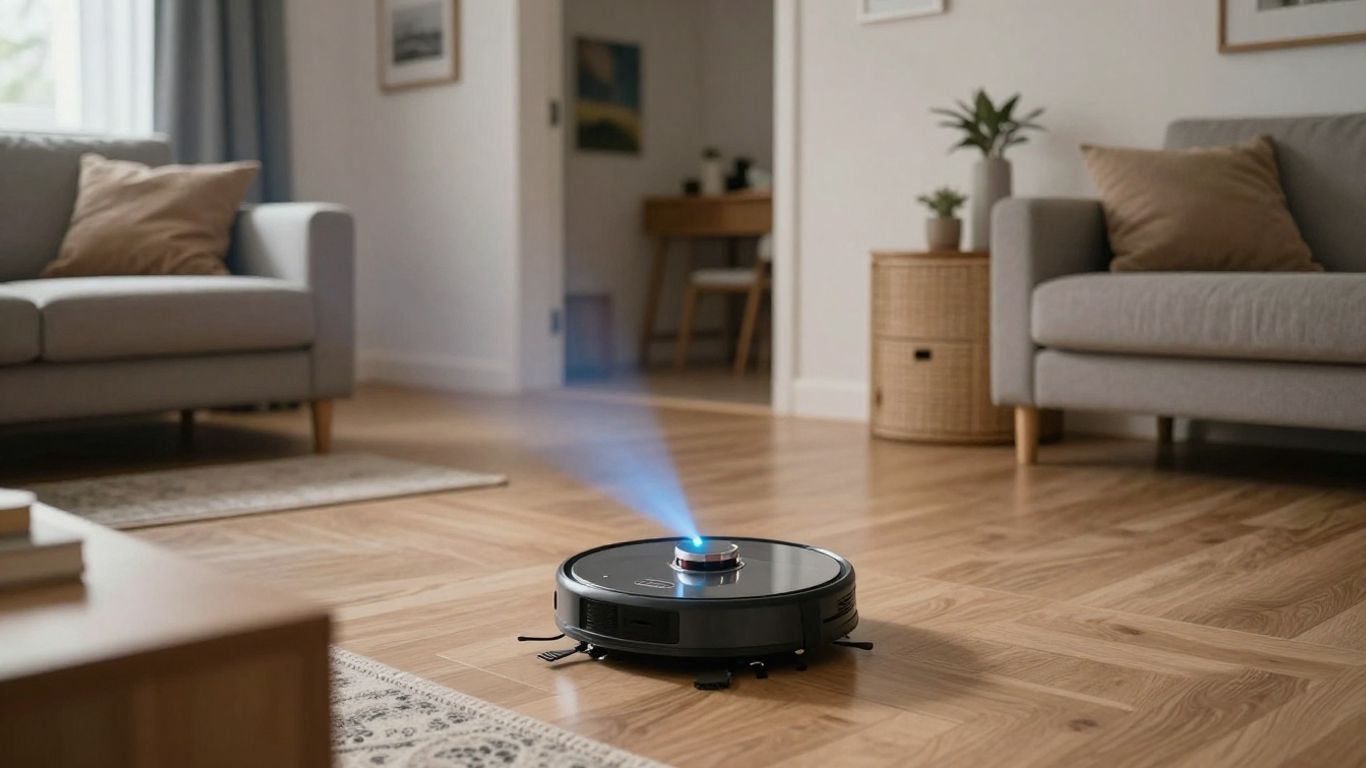
LiDAR stands for Light Detection and Ranging. A sensor sends out pulses of light and measures how long they take to return after meeting nearby surfaces. By collecting many measurements from different directions, the robot can estimate where boundaries and objects are located.
The process is similar to building a spatial sketch from thousands of small distance checks. The robot does not need to recognize a sofa by name to avoid it; it can respond to the surface occupying that position. Distance data guides movement while the vacuum’s other components handle tasks such as brushing, suction, and charging.
How a LiDAR sensor maps rooms and objects
During operation, the sensor gathers points around the robot and software arranges them into a map of the accessible area. Straight lines may suggest walls, repeated edges can indicate furniture, and gaps help reveal doorways or routes between rooms. The map is an interpretation of measurements, so it is useful without being a perfect architectural drawing.
A ceiling, wall, or table leg becomes meaningful because of its position and distance. As you move furniture or leave a box in the hallway, later scans can change the robot’s understanding of the route. This is why a first map may improve after several cleaning cycles.
The difference between LiDAR and traditional vacuum navigation
Older or simpler robot vacuums may rely heavily on contact sensors, infrared sensing, or a pattern of turning when they meet an obstacle. Those systems can still clean, but their movement may be less predictable and their understanding of the whole floor can be limited. LiDAR gives the robot a way to estimate space before physically touching every boundary.
That does not mean a LiDAR machine never bumps into anything. Small objects, unusual surfaces, and sensor limitations still matter. The practical difference is that navigation can be based on a broader spatial picture instead of a sequence of collisions and corrections.
Why LiDAR is commonly paired with smart mapping software
Raw measurements become useful when mapping software turns them into rooms, routes, saved maps, and restricted areas. The app may let you label spaces, choose a room, or draw a no-go zone, depending on the model. In other words, LiDAR supplies spatial input while software makes that input easier for you to control.
This pairing also explains why two vacuums with similar-looking sensors can feel different in daily use. Their map editing, route planning, and recovery behavior may vary even when the underlying sensing principle is similar.
How LiDAR navigation works during cleaning
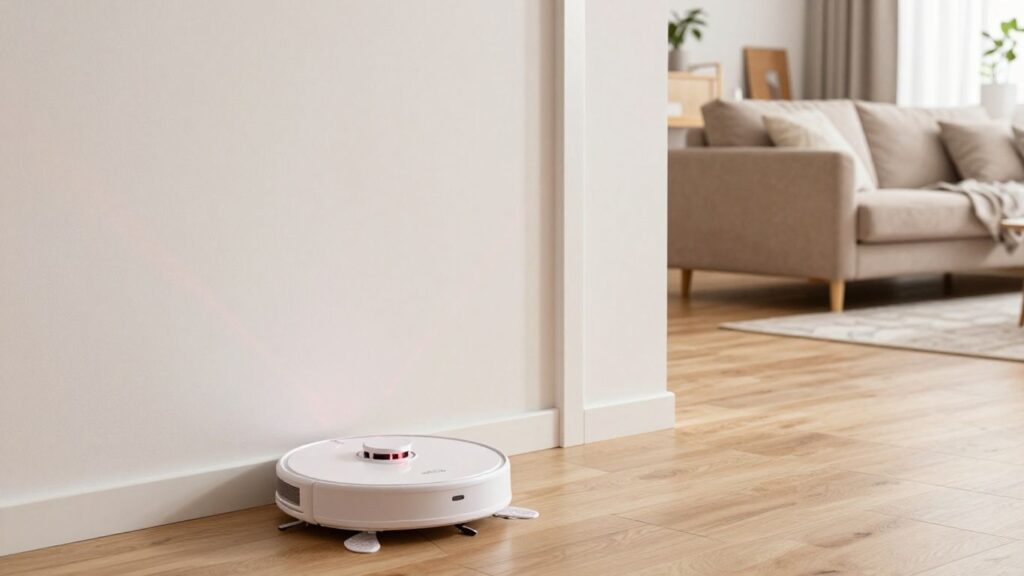
LiDAR navigation is an ongoing loop rather than a single scan completed before cleaning begins. The robot measures, compares those measurements with its map, chooses a route, and adjusts as it encounters changes. You will usually notice the result as more deliberate movement through the home, although the exact behavior depends on the model and its software.
Creating a map during the first cleaning run
On an initial run, the robot typically explores enough of the floor to identify boundaries and connections between spaces. It may move along walls, cross open areas, and return to its dock while assembling a map. Clear floors generally make this process easier because fewer temporary objects interrupt the scan.
You can help by opening doors you want included, moving loose cables, and keeping the dock in its intended position. The first map is a working foundation, not necessarily the final version of your home’s layout.
Measuring distance, walls, furniture, and obstacles
The sensor estimates how far nearby surfaces are from the robot and uses repeated readings to track its position. Walls and large furniture are usually easier to map than thin cords, low objects, or transparent surfaces. Other sensors may supplement LiDAR when the machine needs closer-range obstacle detection.
For a useful overview of laser mapping and obstacle detection, you can also read this LiDAR navigation guide. It offers a broader explanation of how sensor data supports movement through a home.
Planning efficient routes across multiple rooms
Once the robot has a usable map, it can divide the floor into sections and select a path through them. Rather than wandering until the battery runs low, it can work in a more orderly pattern, return to recharge when necessary, and resume if the model supports that behavior.
Route planning is especially helpful when you have several connected rooms. The robot can spend less time repeating already covered areas, though chairs, closed doors, thresholds, and clutter can still interrupt the ideal route.
Updating maps when the home layout changes
Homes rarely stay still. A dining chair moves, a door closes, or a delivery box appears in a passageway. A LiDAR-equipped robot can compare current measurements with its stored map and adapt its route, although significant changes may require a remap or manual correction in the app.
If you regularly rearrange furniture, check whether the vacuum allows you to save, edit, or restore maps. That feature can matter more than a small difference in scanning specifications.
The main benefits of LiDAR robot vacuums
The appeal of LiDAR is not simply that it sounds advanced. Its value comes from giving the robot a more measurable view of the home, which can make navigation more consistent. You still need to judge cleaning hardware and software together, because a precise map cannot compensate for weak brushes, poor edge performance, or an unsuitable dock.
More accurate navigation and room mapping
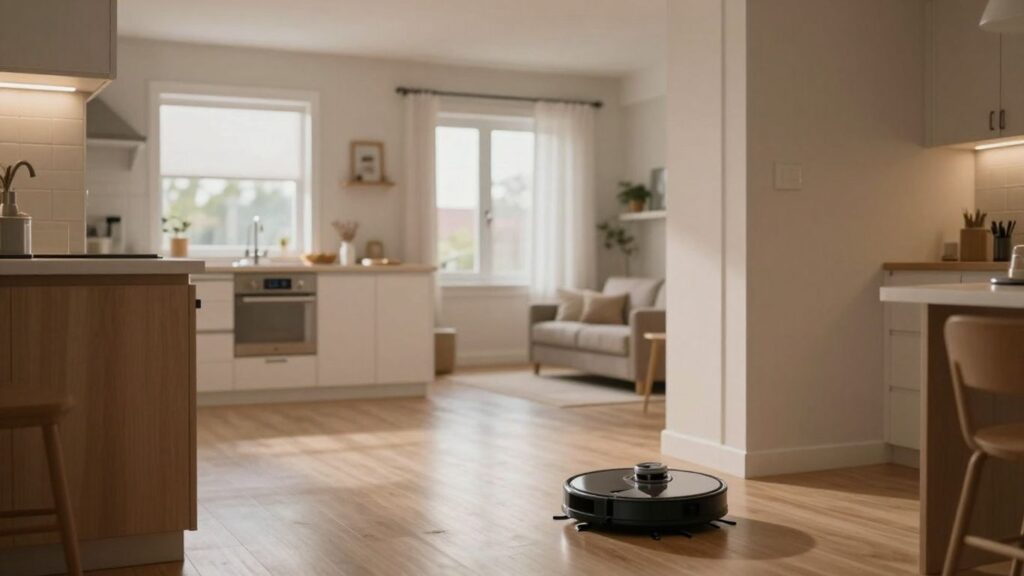
A LiDAR system can estimate distances and room boundaries without waiting to physically contact every obstacle. That often supports clearer maps and more repeatable routes, particularly in homes with several connected areas. You may find it easier to send the robot to one room instead of starting a whole-home cycle.
ECOVACS DEEBOTs are described in the available product coverage as using LiDAR to create precise home maps and navigate efficiently. That is a documented example of the technology’s intended role, not a promise that every model will perform identically in every home.
Effective cleaning in low-light conditions
Because LiDAR measures reflected light pulses rather than depending on a conventional visual scene, it can continue mapping when a room is dim. You can schedule a cleaning run in the evening without assuming every lamp must be on. This is one of the clearest differences between laser-based navigation and systems that depend more heavily on visible images.
Low-light performance does not make the robot immune to obstacles. A dark cable, reflective table leg, or small toy can still be difficult, especially if the machine’s other sensors do not identify it well.
Faster, more systematic coverage
A robot that understands the broad shape of a room can spend more of its cycle moving across cleanable floor and less time making aimless turns. The result may be faster or more systematic coverage, but the actual time depends on furniture density, room size, battery capacity, and the selected cleaning mode.
You should treat navigation efficiency as one part of the buying decision. Strong route planning is useful, yet it does not automatically indicate superior pickup on carpets or hard floors.
Support for room-by-room cleaning and no-go zones
A saved map can make everyday controls more practical. Instead of starting the entire home, you may be able to select the kitchen, hallway, or another mapped area. No-go zones can also help keep the robot away from pet bowls, delicate objects, or a section you are using temporarily.
These controls depend on the app and model, so check the exact feature list before buying. The most useful setup is one that lets you understand and edit the map without making routine cleaning feel complicated.
LiDAR vs. camera and vSLAM navigation
LiDAR and camera-based systems approach the same navigation problem from different kinds of information. LiDAR focuses on measured distance, while cameras interpret visual features and movement through images. Neither label alone tells you how well a vacuum will clean, but the distinction helps you predict how it may behave in your rooms.
How LiDAR compares with camera-based navigation
LiDAR generally has an advantage when the main requirement is measuring the position of walls and large objects, especially when visible light is limited. A camera system can gather visual detail and may recognize features that a simple distance scan does not. However, its performance can depend more directly on lighting, image processing, and the clarity of the scene.
A comparison of LiDAR and camera navigation can help you weigh mapping, obstacle detection, privacy, and low-light behavior rather than judging either technology by its name alone.
What vSLAM does differently
vSLAM, or visual simultaneous localization and mapping, uses camera images to identify visual features and estimate how the robot is moving through them. Corners, edges, and other repeatable details can help it build a map and locate itself. It can be a good fit in visually distinct, well-lit spaces.
The trade-off is that a camera-based system may have more difficulty when the room is dark, visually plain, or changing quickly. LiDAR instead contributes direct distance measurements, while vSLAM depends more on interpreting what the camera sees.
Privacy considerations for LiDAR and camera systems
LiDAR does not operate like a standard room camera taking conventional visual images, which may feel more comfortable if you are cautious about household imagery. Camera-equipped vacuums raise different questions about what visual data is collected, processed, stored, or transmitted.
Before buying, read the manufacturer’s privacy policy and app permissions. Also check whether image processing happens locally or through a connected service; the sensor label alone cannot answer those questions.
Which navigation technology suits different home layouts
A dim home, open-plan layout, or space with many large boundaries may suit the distance-based strengths of LiDAR. A bright home with distinctive visual features may work well with vSLAM. Some products combine approaches, which can broaden obstacle and mapping awareness but may also increase price and software complexity.
Think about your actual floor plan rather than choosing the technology that sounds most sophisticated. Low furniture, transparent surfaces, loose cables, and frequent rearranging can matter more than the headline navigation term.
The limitations of LiDAR in robot vacuums
LiDAR improves spatial awareness, but it is not a complete set of eyes. The sensor has a viewpoint, a measurement range, and surfaces it may interpret imperfectly. You should understand those boundaries before paying extra for a model built around laser mapping.
Objects and surfaces LiDAR may struggle to detect
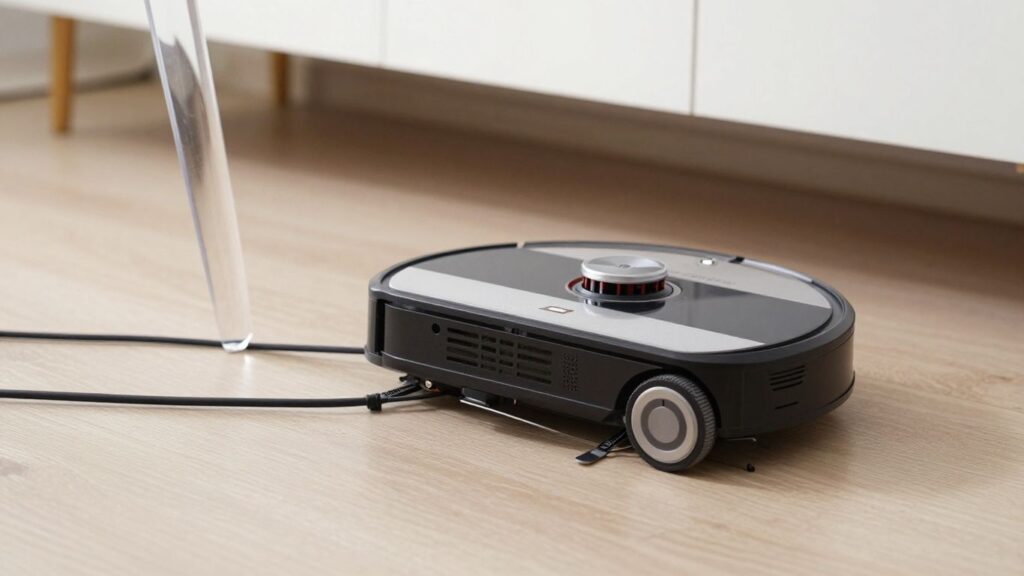
Thin cords, very small toys, transparent materials, and highly reflective surfaces can be difficult for distance sensors or the robot’s supporting systems. A map may show the room correctly while still failing to identify every object sitting on the floor. That is why clearing cables and small items remains good practice.
Obstacle avoidance also varies by design. A robot with LiDAR may still need cameras, infrared sensors, bump sensors, or software rules to handle close and unusual obstacles reliably.
Why low furniture can affect navigation
Many LiDAR sensors sit high enough to scan walls and furniture but may not see everything below their scanning plane. A low sofa or cabinet can create a tricky combination: the robot may fit underneath physically, yet its upper sensor may not model the underside as expected. It may avoid the area, become confused, or fail to enter it.
Measure the clearance under your furniture and compare it with the robot’s height. This simple check can be more useful than assuming every mapped room will be cleaned from edge to edge.
Sensor maintenance and dust-related performance issues
Dust, hair, and grime can interfere with any exposed sensor or moving sensor housing. If the robot begins producing odd maps, hesitating near walls, or taking unfamiliar routes, inspect the sensor area and follow the manufacturer’s cleaning instructions. Keep the charging dock and surrounding floor clear as well.
Maintenance is usually straightforward, but ignoring it can make a good navigation system appear unreliable. Regular brush, filter, wheel, and sensor care all contribute to consistent operation.
Why mapping accuracy does not guarantee better cleaning
A robot can know exactly where a room ends and still fail to collect debris effectively. Suction design, brush contact, edge reach, battery behavior, floor type, and cleaning passes all affect the final result. LiDAR is primarily about movement and spatial awareness, not a direct measurement of pickup quality.
When comparing models, separate navigation claims from cleaning claims. Look for evidence about the surfaces in your home and the maintenance you are willing to perform.
How to choose a LiDAR robot vacuum
Start with the shape of your home and the way you expect to use the vacuum. A compact apartment with open floors has different needs from a multilevel house with thresholds, rugs, pets, and low furniture. Since discounts can change, use a data-driven deal source to compare the total value of a model rather than focusing only on its temporary price.
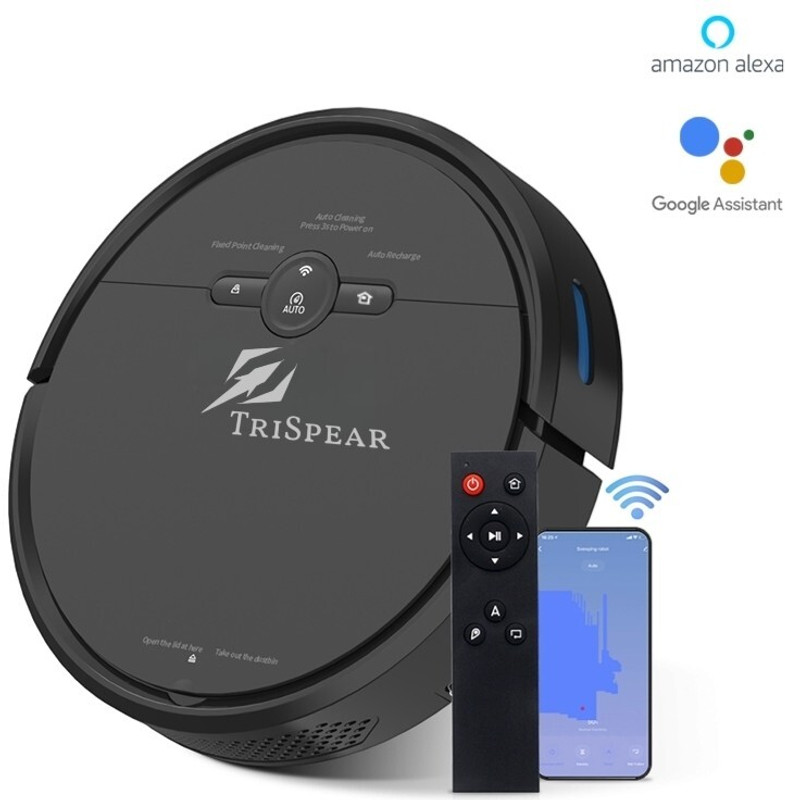
TriSpear Automatic Robot Vacuum | Strong Suction, Drop-Sensing for Home Cleaning Robotic Floor Cleaner with 2 in 1 Mopping and...
 Flipkart
Upgrade your home cleaning with our Robot Vacuum Cleaner – designed for effortless convenience and powerful performance. Equipped with 2500Pa strong suction power, it easily picks up dust, dirt, pet hair, and debris from hardwood floors, tiles, and carpets. Featuring smart navigation and...

Pure Bot L120240026 Robotic Floor Cleaner with 2 in 1 Mopping and Vacuum (WiFi Connectivity, Google Assistant and Alexa)(Black)
Flipkart
Introducing the Pure Bot L1 - your ultimate cleaning companion for a spotless home! With its cutting-edge features and innovative design, this 2-in-1 Automatic Robot Vacuum and Mop Cleaner revolutionizes household cleaning like never before. Equipped with Smart Navigation Technology, this cleaner...
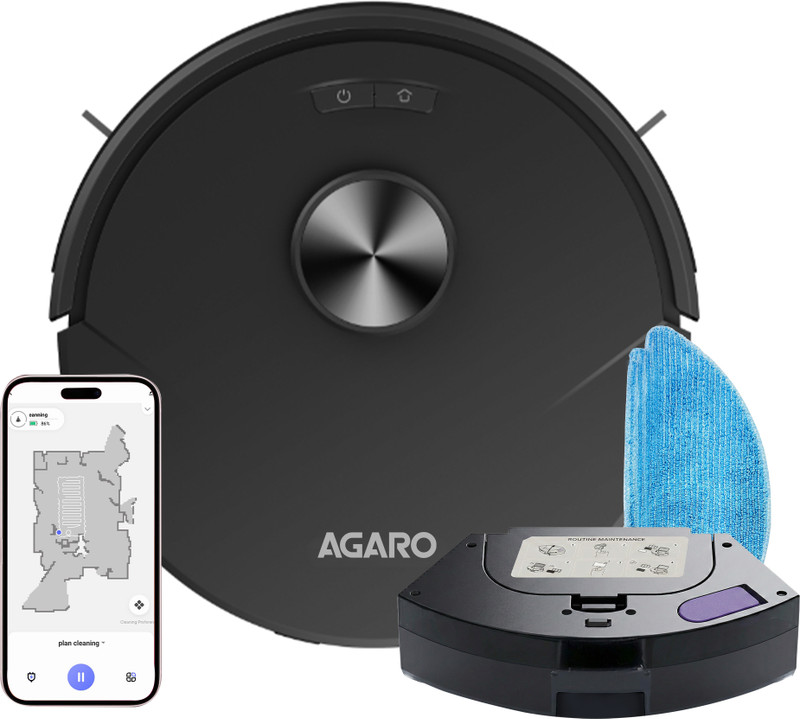
AGARO Alpha Robot Vacuum Cleaner, 2-in-1 Dry Vacuum & Wet Mop, Automatic Cleaning Robotic Floor Cleaner (WiFi Connectivity)(Black)
Flipkart
Pro Robot Vacuum Cleaner is a 2-in-1 Dry Vacuum & Wet Mop which generates up to 8000 Pa powerful suction. It is app-controlled and works with advanced LiDAR navigation. It is suitable for cleaning both hard floors and carpets.
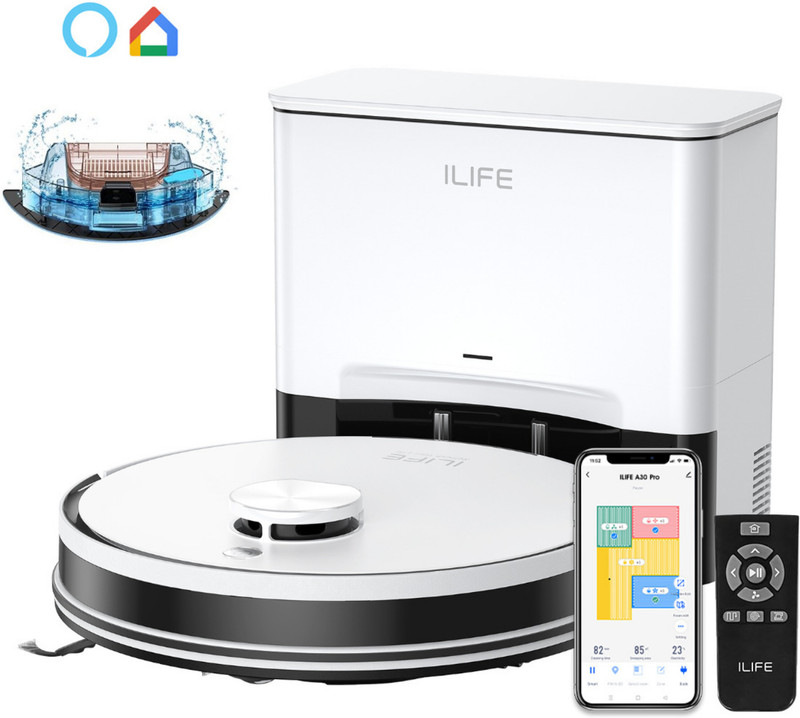
ILIFE A30 Pro Robotic Floor Cleaner Upgraded 13,000Pa Suction, LiDAR Navigation with Reusable Dust Bag, Anti-Bacterial Cleaning, 2 in 1...
Flipkart
ILIFE A30 Pro�comes with�a new and upgraded 13K Pa suction system, delivering powerful cleaning performance to pick up dust, pet hair, crumbs, and debris from both hard floors and carpets. Whether you're dealing with everyday dirt, fine particles, or stubborn messes, the enhanced suction...
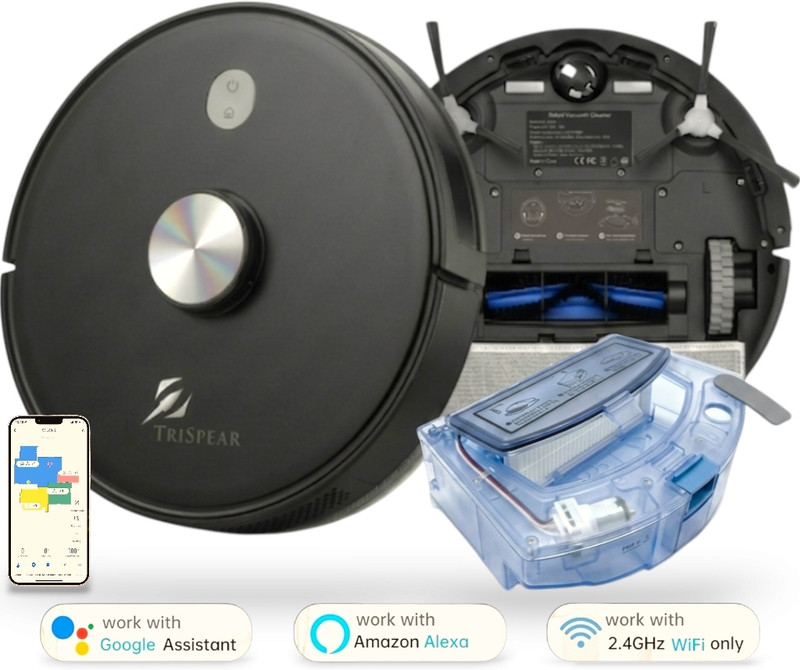
TriSpear 8500Pa 3-in-1 Pro Vacuum & Mop – Advanced Laser Mapping for Hardwood and Carpet, Robotic Floor Cleaner (WiFi Connectivity,...
Flipkart
Experience a deeper clean with the TriSpear Intelligent Robot Vacuum and Mop, your ultimate 3-in-1 solution for a spotless home.Tired of spending hours on floors? The TriSpear Intelligent Robot features a powerful 8500Pa suction system that effortlessly lifts dust, debris, and pet hair from...
Essential navigation and mapping features
Look for accurate room mapping, selectable rooms, no-go zones, map editing, and a reliable return-to-dock routine. If your home has multiple floors, check whether the model stores more than one map and whether the app lets you switch between them. Clear status messages can be just as helpful as a technically advanced sensor.
ECOVACS DEEBOTs are covered as examples of products using LiDAR for home mapping and efficient navigation. Use that documented capability as a starting point, then verify the exact map controls and floor support on the individual model you are considering.
Mopping, suction, and obstacle-avoidance capabilities
Navigation should sit beside the cleaning hardware on your checklist. Consider whether you need mopping, adjustable suction, carpet detection, edge cleaning, or stronger obstacle avoidance. If your floor regularly contains cables, toys, or pet items, the supporting sensors and software may matter as much as the LiDAR unit itself.
Do not assume that a higher navigation price automatically buys better mopping or debris pickup. Match each feature to a problem you actually have at home.
Battery life, thresholds, and multi-floor support
Battery capacity affects how much floor the robot can cover before recharging, while thresholds and uneven transitions affect whether it can move between rooms. Check the robot’s clearance, climbing ability, and dock placement requirements. For a multilevel home, confirm whether you must carry the unit and how maps are saved.
A well-mapped vacuum is still limited if it cannot cross the doorway into the next room. Physical access comes before route planning.
App controls, map editing, and smart-home compatibility
The app is where you turn mapping into a useful routine. Check whether you can name rooms, schedule cleaning, set restricted areas, adjust modes, and see where the robot has already traveled. Smart-home compatibility may be useful, but only if the connected controls are stable and relevant to your habits.
Before purchasing, compare the app experience, replacement parts, warranty terms, and ongoing costs. A modest deal on a vacuum you can easily control may be better value than a larger discount on a model that frustrates you every week.
Conclusion
LiDAR helps a robot vacuum measure its surroundings, create a workable map, and plan more deliberate routes, particularly in homes where low-light navigation and room-by-room control matter. It cannot solve every obstacle problem or guarantee stronger cleaning, so you should weigh sensor design alongside brushes, suction, mopping, battery life, app controls, and maintenance. Once you match those details to your floor plan, comparing available offers becomes much easier.
Frequently Asked Questions
What does LiDAR stand for in a robot vacuum?
LiDAR stands for Light Detection and Ranging. It uses reflected light measurements to estimate distances and help the robot understand nearby walls, furniture, and open floor.
Does LiDAR work in the dark?
Yes, LiDAR can generally measure surroundings without relying on ordinary room lighting. However, other cameras or visual sensors on the robot may still perform differently in darkness.
Does LiDAR help a robot vacuum avoid obstacles?
It can help the robot locate boundaries and objects, but obstacle avoidance depends on the entire sensor package and software. Thin cables, transparent objects, and small items may remain difficult.
Is LiDAR better than camera navigation?
Neither is best for every home. LiDAR is useful for measured distance and low-light mapping, while camera-based navigation can use visual features and may recognize details that distance sensing alone does not.
Can LiDAR robot vacuums clean under low furniture?
That depends on the robot’s height, sensor position, and software. If furniture is lower than the sensor’s useful scanning area, the robot may avoid it or navigate beneath it less reliably.
Do LiDAR robot vacuums need internet access?
Basic movement may work without a continuous internet connection on some models, but app features, remote control, updates, and smart-home functions can require connectivity. Check the product’s requirements before buying.
Is a LiDAR robot vacuum worth the extra cost?
It can be worthwhile if you value room mapping, systematic routes, low-light operation, or room-specific controls. The value is lower if your home is small and open, or if the model’s cleaning hardware and app do not match your needs.