
Key Takeaways
Blocking a number can reduce interruptions, but the result depends on your phone, messaging app, and carrier. Use the steps below to block the right channel and keep evidence when the contact is abusive.
- Block calls and messages separately when necessary.
- Check voicemail, synced devices, and other apps after blocking.
- Use spam filters for patterns rather than one persistent number.
- Save threatening or harassing messages before deleting them.
- Contact your carrier or law enforcement when the situation becomes serious.
- Understand what blocking a number does
- Block a number on an iPhone
- Block a number on an Android phone
- Stop unwanted calls and messages from other services
- Troubleshoot blocking problems
- Choose the right approach for your situation
- Conclusion
- Frequently Asked Questions
- Does blocking a number stop both calls and texts?
- Can a blocked caller leave a voicemail?
- Will someone know that you blocked their number?
- Why do blocked calls keep appearing?
- Can I block a number temporarily?
- Should I block or report a threatening message first?
- How can I stop messages from a different account?
Understand what blocking a number does
Blocking is a practical way to stop ordinary contact from a particular number, but it is not a universal barrier. Calls, SMS, MMS, voicemail, and app-based messages can follow different rules. Before you begin, decide which channel is causing the problem and whether you still need messages from that person for records or safety reasons.
How call blocking affects incoming calls
When you block a number, your phone generally declines or filters calls from it without ringing normally. The exact behavior varies by device and carrier, so the caller may hear a brief ring, a busy signal, or another form of call handling. Blocking also does not prevent the person from trying a different number.
If you are dealing with a wave of unwanted calls rather than one known contact, a broader call-blocking guide can help you compare blocking and call-labeling options. That approach is usually more suitable for robocalls and suspected scams than adding every unfamiliar number manually.
What happens to text messages and multimedia messages
Text and multimedia messages from a blocked number may be hidden, filtered, or placed in a blocked area instead of appearing in your usual conversation list. Some phones handle calls and messages together, while others require a separate action in the messaging app. Check the app’s blocked or spam folder if you are expecting something legitimate.
A block also applies only to the number or account you selected. If the sender uses a different number, email address, or messaging service, you may need to block that route separately.
The difference between blocking a contact and silencing notifications
Silencing notifications is less final than blocking. It keeps the conversation available while stopping alerts, which can be useful when you need a record or expect an occasional legitimate message. Blocking is better when you do not want ordinary contact from that number at all.
You can also mute a conversation temporarily, archive it, or use a device-wide focus setting. Those choices reduce interruptions without necessarily preventing delivery, so do not confuse a quiet notification with a completed block.
Why blocked callers may still reach voicemail
Some phones send blocked callers directly to voicemail, while others reject the call before voicemail can accept it. If visual voicemail is active, the blocked call may be handled differently from a regular call, and carrier settings can affect the outcome.
Check your voicemail separately after blocking. If the person leaves threatening messages, do not delete them immediately; preserve the date, time, number, and recording before changing the setting again.
Block a number on an iPhone
On an iPhone, you can block a number from several Apple communication apps. The menu wording can vary slightly by iOS version, but the basic path is to open the recent call, contact, or conversation and find the blocking command. Blocking one route may also cover related Apple services, though you should verify the contact’s entry in your blocked list.
Block a number from the Phone or Contacts app
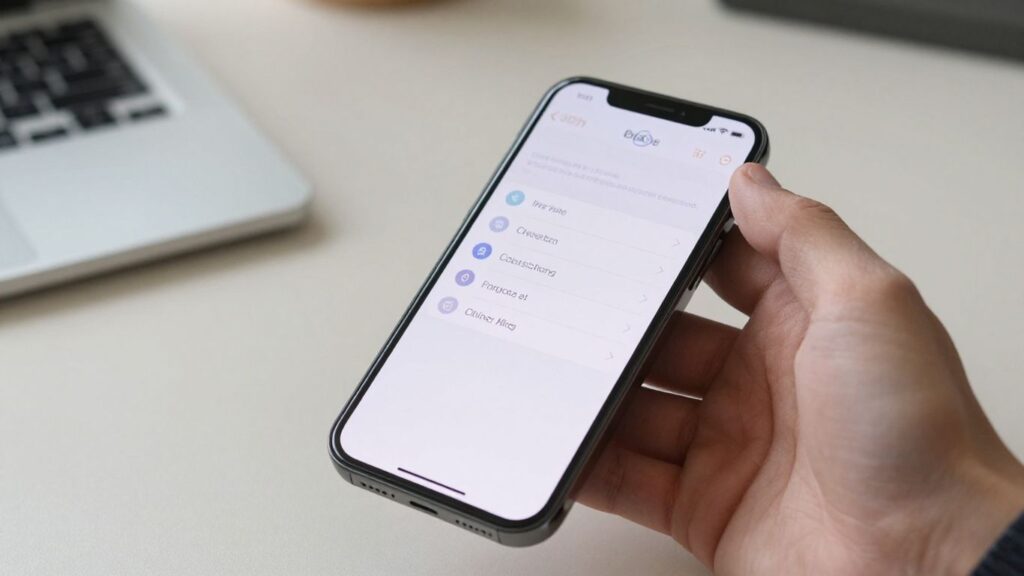
Open the Phone app and find the number in Recents, or open the person’s entry in Contacts. Tap the information button or contact details, scroll to the blocking option, and confirm. You can also use Apple’s settings area for blocked contacts to review or remove entries later.
If the number is unfamiliar and repeatedly calls, take a moment to confirm that it is not a doctor, delivery service, school, or another contact you may need. A mistaken block can hide a useful call just as easily as an unwanted one.
Block a sender from the Messages app
In Messages, open the conversation and tap the sender’s details at the top. Choose the blocking option and confirm it. If the conversation includes links, threats, or suspicious requests, save screenshots before you block the sender.
Messages sent through a different account or service may not be covered by this action. Review any linked email or social account separately if the same person continues contacting you elsewhere.
Use FaceTime and Mail blocking when needed
Calls through FaceTime and messages delivered through Mail have their own controls. Open the relevant contact or message, choose the details or sender menu, and use the available blocking command. Apple’s iPhone blocking steps also cover blocking callers, FaceTime contacts, messages, and email addresses.
Afterward, check the blocked contacts area rather than assuming every service uses an identical list. This is especially useful when a person contacts you by phone, email, and video calling.
Unblock a number and manage blocked contacts
To reverse the decision, open the iPhone settings for blocked contacts and remove the number or address. You can also return to the contact or conversation if the app provides an unblock command. Removing a block usually affects future contact, not messages or calls that were already missed.
Keep the list current. If you blocked a number temporarily, add a reminder to review it later so old entries do not make it harder to identify current contacts.
Block a number on an Android phone
Android phones share many core controls, but the exact menus depend on the manufacturer, Android version, and installed apps. Start with the app that received the unwanted contact: Phone for calls or Messages for texts. If your device uses Google’s apps, the controls are usually easy to find from the recent call or conversation.
Block calls through the Google Phone app
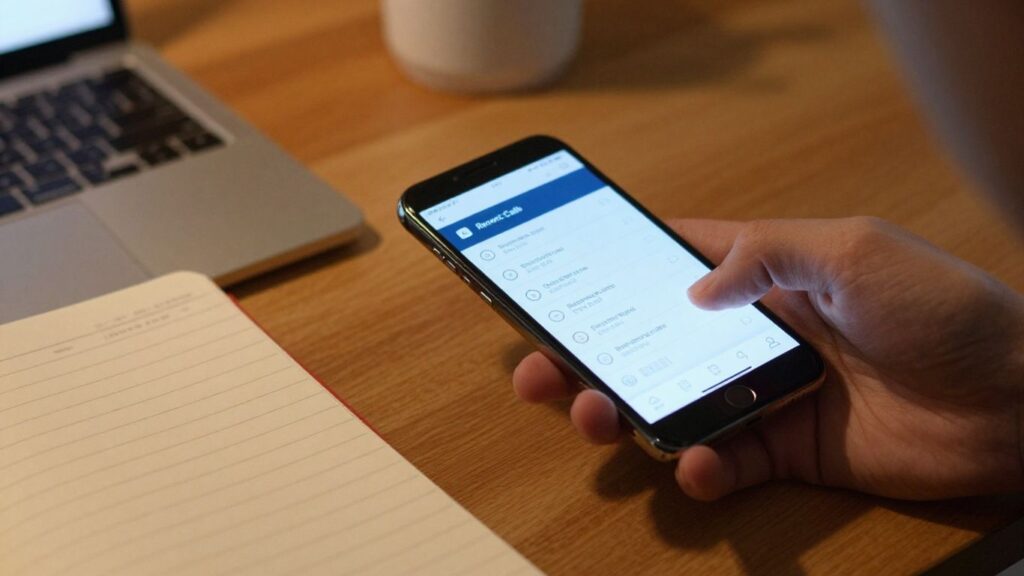
Open Phone, go to your call history, and select the number. Use the menu for that call and choose the option to block it, sometimes combined with reporting it as spam. You can also review blocked numbers in Phone settings and remove an entry when needed.
Google’s number blocking instructions explain that blocked calls are declined automatically, while options for private or unidentified callers may be separate. Check the setting before enabling it, because blocking unknown callers can affect legitimate calls from numbers you do not have saved.
Block messages in Google Messages
In Google Messages, press and hold the conversation or open its details, then choose the blocking or spam-reporting option. The conversation may move to a spam or blocked area, depending on your app version and settings. Review that area if you are waiting for a message that might have been filtered incorrectly.
Blocking in Messages is not always identical to blocking through Phone. If the same number has called and texted you, confirm both apps show the number as blocked.
Follow device-specific steps on Samsung and Motorola phones
Samsung and Motorola phones can place blocking controls in different locations, even when both use Android. On Samsung, you can usually open the recent call details and add the number to the blocked list. Motorola provides controls through Phone and Messages, and its Motorola blocking guide explains how calls and texts can be blocked from either app.
Do not rely on a menu path from an older model. If you cannot find the option, search the device’s built-in help or open the current Phone and Messages settings rather than installing an unknown utility.
Remove a number from the blocked contacts list
Open the Phone app’s settings and find blocked numbers, or open the messaging app’s spam and blocked area. Select the number and choose unblock or remove. On some phones, removing a contact from one list does not remove it from another app’s list.
Test the change with a trusted person or wait for a legitimate incoming call. A blocked number may not reappear in your call history while it was blocked, so do not use missing history as proof that the unblock failed.
Stop unwanted calls and messages from other services
Your phone’s built-in block is only one layer. WhatsApp, Facebook Messenger, email, social networks, and shopping services may deliver messages through their own accounts and notification systems. If the contact is reaching you outside ordinary calls and texts, block or report the profile in the service where the contact occurs.
Block contacts in WhatsApp, Facebook Messenger, and similar apps
Open the person’s profile or conversation, then look for Block, Report, or both. Blocking an account in one service generally does not block its phone number everywhere else. You may also need to leave a group, restrict the account, or adjust who can add you to new conversations.
Before you report, read the service’s explanation of what happens to the conversation and whether the person can still see past messages. Save anything you may need before taking that step.
Use your carrier’s call-blocking and spam-protection tools
Carriers may offer call filtering, spam labels, or account-level blocking. These tools can be useful when callers change numbers frequently, because they may assess patterns rather than relying only on one number. Review the service’s settings and terms so you know whether wanted calls could also be filtered.
For shopping research and device comparisons, mobile phone deals and reviews can help you check whether a phone’s software and features fit your needs before you buy. That is separate from carrier blocking, but it can make it easier to choose a device with controls you understand.
Adjust settings for unknown and private numbers
You can often silence or block calls from private, unidentified, or unknown numbers. This is a broad setting, so use it carefully if you receive calls from schools, clinics, delivery drivers, or workplaces that do not always display a saved number.
A safer middle option is to allow calls from contacts while sending other calls to a filtered list or voicemail. That reduces interruptions without pretending every unfamiliar number is malicious.
Report abusive, fraudulent, or threatening messages
Use the reporting option in the relevant app, carrier service, or phone menu when a message appears fraudulent or abusive. For threats, preserve the original message, sender information, timestamps, and screenshots before reporting or blocking. Do not click suspicious links or respond to pressure for money, passwords, or verification codes.
Reporting does not guarantee immediate removal or investigation. It does create a record with the service, while your saved evidence gives you a clearer account of what happened.
Troubleshoot blocking problems
A block can appear unsuccessful for several ordinary reasons. The sender may be using another number, the message may arrive through a different app, or a second device may be displaying a synchronized conversation. Work through the source of the contact before repeatedly blocking the same visible number.
What to check when calls continue after blocking
Confirm that you blocked the exact number, including any alternate number shown in the call details. Then check whether the call is coming through a separate calling app, a business line, or a private-number setting. Restarting the phone can also refresh a changed blocking configuration.
If calls continue from the same number, review the blocked list and carrier settings. If they come from different numbers, a spam filter or carrier-level service may be more practical than individual blocks.
Why messages may appear on another device or app
A tablet, computer, smartwatch, or second phone may be signed in to the same messaging account. The block may have been applied locally, while another app continues to sync the conversation. Check the account’s devices and notification settings, then block the sender in the service itself if needed.
Email addresses and usernames also require separate action. A phone-number block cannot necessarily stop a message sent through an account identifier.
Handle spoofed numbers that keep changing
Caller ID can be altered, and unwanted callers may rotate through many numbers. Blocking each one can become a losing routine, particularly when the displayed numbers look local. Use spam identification, unknown-caller controls, or your carrier’s broader filtering options instead.
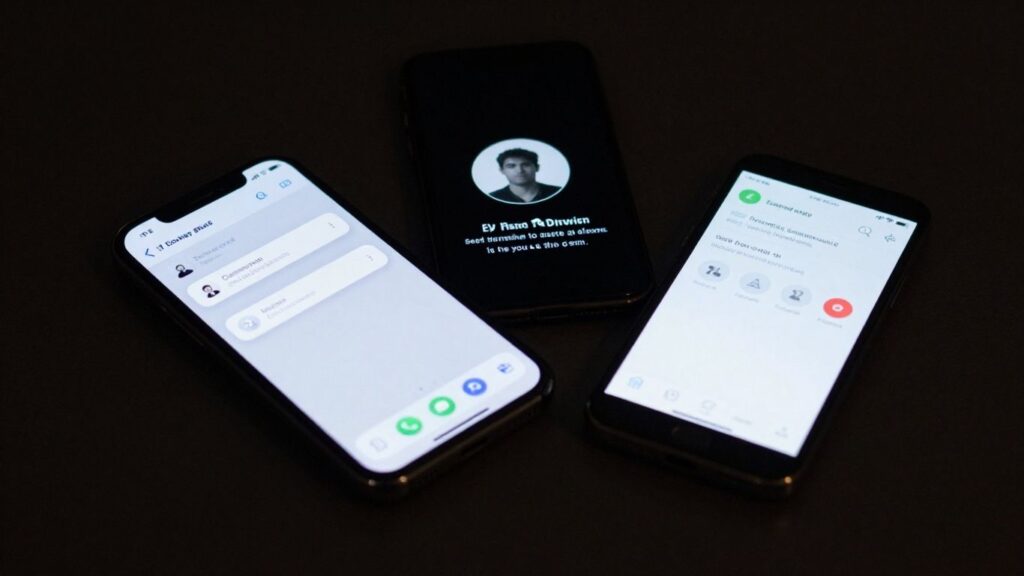
The goal is to reduce the pattern of contact, not to maintain a perfect list of every number used. Keep records of repeated attempts if the calls are threatening or targeted.
Keep your phone and messaging apps updated
Updates can change menu names, repair bugs, and improve how calls or messages are filtered. Install updates from your phone’s normal settings and keep the Phone, Messages, and relevant communication apps current. Then revisit the blocked list after a major update.
If a setting still behaves unexpectedly, consult the manufacturer or carrier support page for your exact model. Avoid third-party apps that request more access to messages, contacts, or calls than you are comfortable granting.
Choose the right approach for your situation
The best response depends on whether you are avoiding one person, reducing spam, or documenting harassment. A single block is precise, while a spam filter is broader and may occasionally catch a wanted call. Think about the level of contact you need to prevent and the information you may need to retain.
Block one persistent person without silencing everyone
Use a direct number or account block when one person is responsible and you still want calls from other unknown contacts. Apply it in every service the person uses, then check for alternate numbers or accounts. If you share a workplace, school, building, or family responsibility, keep a controlled channel open only if you need it.
You can mute rather than block when you need a record of messages but do not want constant alerts. That distinction helps you protect your attention without losing useful information.
Use spam filters for robocalls and promotional messages
For repeated automated calls, sales messages, or changing caller IDs, use spam labeling and filtering instead of manually blocking every attempt. You may also register preferences with legitimate businesses and adjust notification choices in accounts where promotional messages originate.
Filters are not perfect. Check filtered calls and messages occasionally, especially if you are expecting an appointment, delivery, or service callback.
Preserve evidence before blocking harassment
Save screenshots that include the sender, date, time, and full message. Keep voicemails and a simple incident log, and store copies somewhere the sender cannot alter. Do not edit the originals before making a backup.
Blocking can protect your peace, but preserving a clear record protects your options.
After you have saved the evidence, block the contact and report the behavior through the relevant service. If the messages suggest immediate danger, prioritize your safety over continuing the conversation.
Know when to contact your carrier or law enforcement
Contact your carrier when filtering tools are not stopping repeated spam or when you need help with account-level blocking. Contact local law enforcement or emergency services when messages include credible threats, stalking, extortion, or immediate danger. Use the saved records to explain the pattern clearly.
For general device shopping, phone buying advice can help you compare practical features and long-term fit rather than choosing only by brand or price. The same principle applies here: choose the control that solves the actual communication problem.
Conclusion
When you want to know How To Block Calls And Messages From A Particular Number!, begin with the app where the contact arrives, then check voicemail, synced devices, and other services. Use broad spam filters for changing or automated numbers, and preserve evidence before blocking serious harassment. A few careful checks can give you control without silencing every call you may still need.
Frequently Asked Questions
Does blocking a number stop both calls and texts?
Not always. Some phones connect call and message blocking, while others require separate actions in the Phone and Messages apps. Check both lists after blocking.
Can a blocked caller leave a voicemail?
That depends on your phone and carrier. Some systems send blocked callers to voicemail, while others reject the call or prevent a voicemail from appearing.
Will someone know that you blocked their number?
Usually, the person is not shown a direct notification. They may infer it from repeated failed calls, unusual call handling, or a lack of replies.
Why do blocked calls keep appearing?
The caller may be using a different number, spoofing caller ID, or contacting you through another app. A carrier-level spam filter can help with changing numbers.
Can I block a number temporarily?
Yes. Add the number to your blocked list, then remove it later from the phone or app settings. Remember that messages or calls attempted during the block may not be restored.
Should I block or report a threatening message first?
Save the message and its details before blocking or deleting anything. Report it through the service, and contact local authorities or emergency services if there is immediate danger.
How can I stop messages from a different account?
Block the account, username, email address, or phone number in the service where the message arrived. A phone-level block may not cover other account identifiers.