

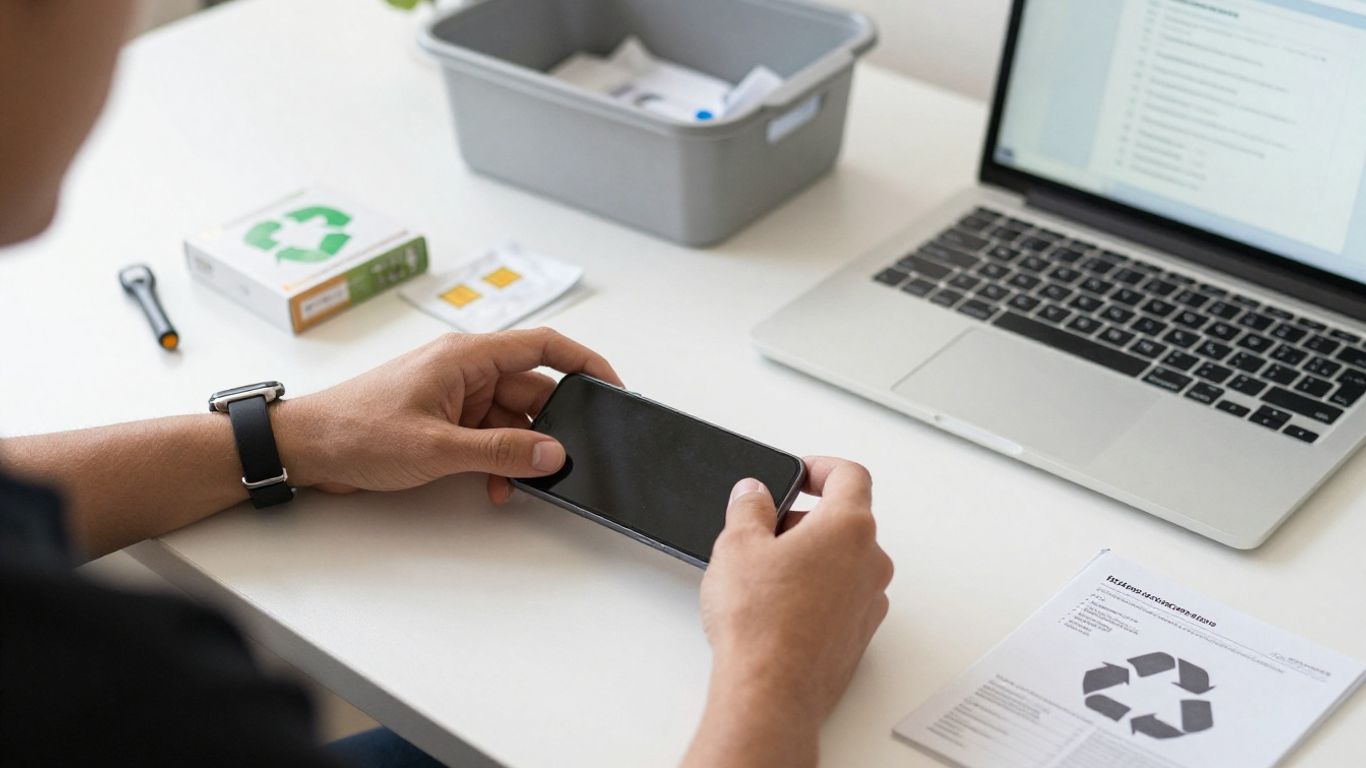
Key Takeaways
Selling an old phone can be safe when you protect your data, check the buyer, and document the transaction.
- Back up your information before removing accounts or resetting the phone.
- Remove SIM and memory cards, then verify the reset worked.
- Compare buyers, fees, payment methods, and return policies.
- Describe the phone honestly and keep records of the sale.
- Recycle the device responsibly if selling it creates too much risk.
What makes selling an old phone safe or risky
Selling an unused phone can put useful money back in your pocket, but the safety of the transaction depends on preparation. You are handing over a device that may contain photos, messages, saved accounts, and location data. Is Selling Old Phones A Safe Practice? Get Details Inside by treating privacy and payment checks as part of the sale, not as optional extras.
Common benefits of selling an unused phone
Selling a working phone can help you recover some of its remaining value instead of leaving it in a drawer. Someone else may also be able to use the device, extending its life and reducing unnecessary electronic waste. Before buying a replacement, you can use a phone buying guide to compare needs, features, and long-term costs rather than rushing into another purchase.
Privacy, payment, and fraud risks to consider
The main risks are not limited to a low offer. A careless reset can expose personal information, while a fake payment notification or pressure-filled meeting can leave you without either the phone or the money. A cautious sale is worth more than a rushed transaction that saves a few minutes.
Use a buyer with clear contact details and written terms. Never hand over the phone because someone shows you a screenshot of a transfer; confirm that the money has actually arrived in your account.
How the phone’s condition affects safety and value
Condition affects both the price and the chance of a dispute. Be ready to describe the model, storage capacity, carrier status, screen condition, battery behavior, and whether the camera, buttons, ports, and other features work. A precise description gives the buyer fewer reasons to challenge the agreed price later.
A phone with a damaged battery or exposed glass may also be unsafe to ship or handle. If the device is swollen, overheating, or badly damaged, stop using it and ask an appropriate recycling service how to handle it.
When recycling may be safer than selling
Selling is not always the best choice. Recycling may be safer when the phone has little resale value, cannot hold a charge, is locked to an unknown account, or has damage that makes transport risky. Choose an electronics recycling program that accepts phones and follows local disposal rules.
If you recycle, remove your accounts and SIM card first. Do not assume that disposal alone protects your data; the device still needs to be prepared before it leaves your possession.
How to protect your personal data before selling
Your data deserves more attention than the phone’s cosmetic appearance. Take your time, use a reliable connection for backups, and do not begin the reset until you know your important files are available elsewhere. These steps make a sale easier to verify and reduce the chance of an unpleasant surprise.
Backing up photos, contacts, and important files
Back up photos, contacts, messages, notes, authentication codes, and any files stored only on the phone. Check the backup from another device or through your account before deleting anything. If you use an app with its own backup system, confirm that its data has been transferred as well.
Signing out of accounts and disabling device tracking
Sign out of email, social media, banking, shopping, and cloud accounts. Disable device-tracking and activation-lock features using the instructions for your operating system; otherwise, the next owner may be unable to activate the phone. Remove the phone from trusted-device lists where your account provides that option.
Removing the SIM card and memory card
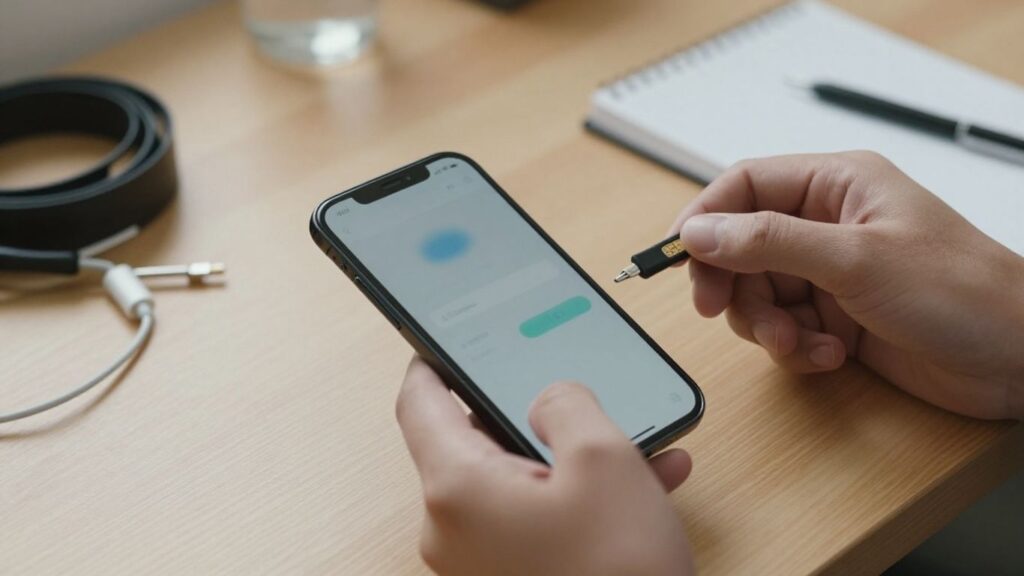
Take out the physical SIM card before handing over the device. If the phone uses a memory card, remove it too unless you deliberately plan to sell it with the phone after securely erasing it. A SIM card can connect to your mobile account, while a memory card may contain files that a reset does not touch.
Performing a factory reset correctly
Use the phone’s built-in reset option rather than deleting files one at a time. Follow the prompts only after signing out of accounts and disabling tracking, and keep the phone connected to power if the process may take a while. If you need a second perspective on preparation, this phone preparation guide covers common steps for clearing a device before sale.
Checking the phone after the reset
Restart the phone and look for the initial setup screen. You should not see your name, photos, messages, apps, or account prompts. If any personal information remains, stop and repeat the account-removal and reset process before listing or shipping the device.
How to choose a trustworthy phone buyer
The best buyer is not necessarily the one showing the highest headline price. You also need clear terms, a sensible inspection process, reliable payment, and a way to contact the business if something goes wrong. PromoDeals helps shoppers find and compare offers from across the internet, but you should still read each seller’s own conditions before accepting an offer.
Comparing carriers, retailers, marketplaces, and trade-in services
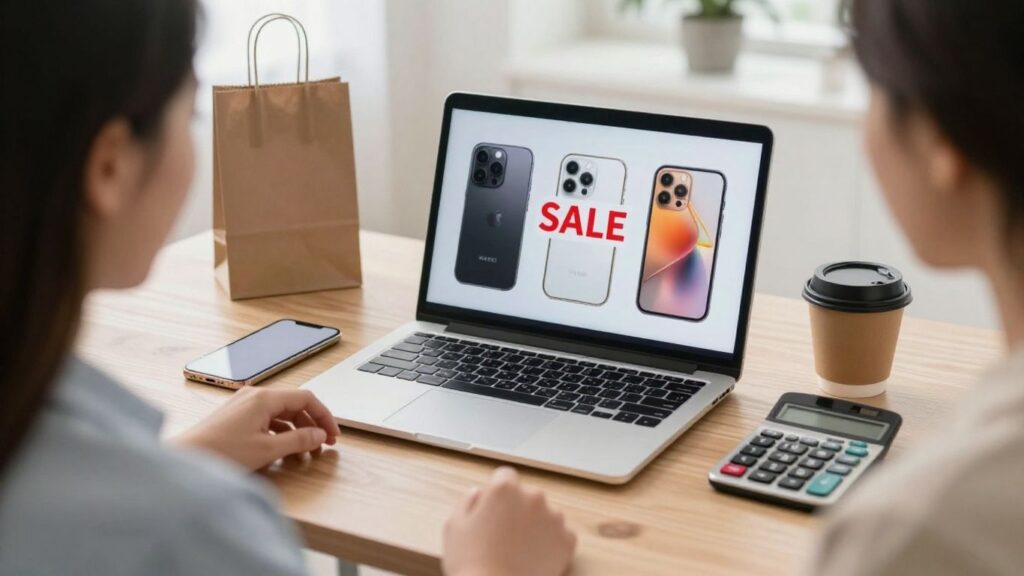
Carriers and retailers may offer convenience or credit toward another purchase, while marketplaces can give you more control over the asking price. Trade-in services may simplify inspection and shipping, but the final amount can depend on the condition you report. Compare the money you will actually receive, not just the first number you see.
Verifying reviews, policies, and business contact details
Look for recent reviews from multiple sources, a clear privacy policy, customer-service contact details, and written information about inspection or returns. Read how the buyer handles a disagreement between your description and its assessment. A legitimate business should not need to hide basic terms until after it receives your phone.
Identifying fake buyers and suspicious offers
Be wary of urgent messages, offers far above the normal market price, requests to move immediately to an unfamiliar payment service, or instructions to send money first. A buyer who refuses ordinary questions is not giving you a good reason to continue. Pause whenever the process feels designed to prevent you from checking the details.
Understanding identity checks and required information
Some buyers may request identification or payment details to comply with their policies. Ask why the information is needed, how it will be stored, and whether the request comes through the company’s official website or app. Do not send passwords, one-time security codes, or unnecessary copies of sensitive documents.
How to complete a secure sale
Once you choose a buyer, keep the process orderly. Record the phone’s condition, agree on the price and payment method in writing, and use a delivery or meeting method that gives you evidence. The goal is a clear handoff where both sides understand what was promised.
Taking clear photos and documenting the phone’s condition
Photograph the front, back, sides, ports, screen, model information, and any scratches or cracks in good light. Save the original images with the date and write down the phone’s serial or IMEI number without publishing sensitive identifiers in a public listing. These records can help resolve a disagreement about damage.
Using secure payment methods
Use a payment method with recognizable buyer and seller protections, and verify the transaction inside your bank or payment account. Do not rely on emailed receipts, edited screenshots, or promises that payment will clear later. If payment is delayed, keep the phone until the funds are confirmed.
Meeting local buyers in a safe public location
Choose a busy public place, preferably during daylight and near staff or security. Tell someone where you are going, avoid inviting a stranger to your home, and keep the phone in your possession until payment is confirmed. If the buyer changes the location or terms at the last minute, you can cancel the meeting.
Packaging and shipping the phone with tracking
Use a sturdy box, cushioning, and adequate protection around the screen and corners. Photograph the packed parcel before sealing it, then use tracking and keep the shipping receipt. Check whether insurance or an adult signature is worthwhile for a higher-value phone.
Keeping receipts, messages, and transaction records
Save the listing, buyer messages, agreed price, inspection terms, payment confirmation, tracking number, and delivery record. A short written summary of the handoff can be useful if the platform later asks what happened. Good records also make it easier to spot missing payment or an unexpected deduction.
A short walkthrough can help you remember the order of the preparation steps, but always follow the current instructions for your specific phone model and operating system.
What to check before accepting an offer
An offer is only useful when you understand what you will receive after inspection, fees, shipping, taxes, or deductions. Compare the complete terms with other realistic options, and avoid treating an advertised maximum as a guaranteed payment. PromoDeals can help you find current smartphone deal information, but the buyer’s written policy remains the final reference for its offer.
Comparing the offer with current market prices
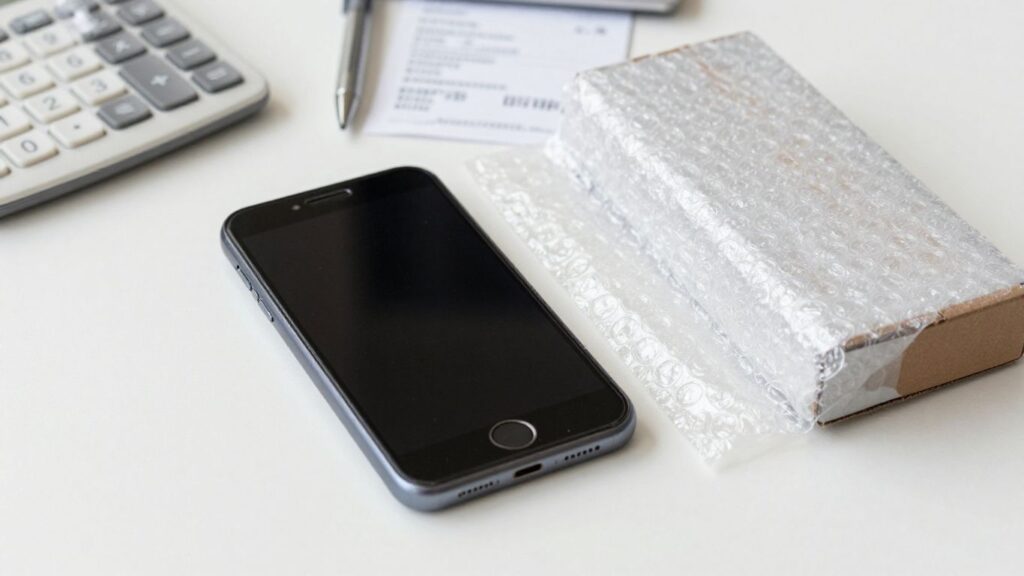
Check several recent listings for the same model, storage size, carrier status, and condition. Separate asking prices from completed sales where possible, since an unsold listing may not reflect what buyers actually pay. A slightly lower offer from a transparent buyer may be safer than a high quote filled with conditions.
Reviewing fees, deductions, and return conditions
Read whether the buyer can reduce the offer after inspection, who pays shipping, and what happens if you reject the revised amount. Check the return deadline and the condition in which the phone must be returned. Ask questions before shipping, because a vague policy is difficult to challenge later.
| Offer detail | Why it matters | What to confirm |
|---|---|---|
| Inspection rules | The final amount may change after review | Which defects trigger deductions |
| Payment timing | You need to know when funds arrive | Payment method and release date |
| Return terms | You may reject a revised offer | Return cost, deadline, and condition |
These details let you compare offers on their real value rather than their headline number. Keep a copy of the terms that applied on the day you accepted the quote.
Understanding locked, financed, or blacklisted devices
A carrier-locked phone may be worth less to some buyers, and a financed device may remain tied to an unpaid account. Check your carrier or account status before listing it. If the device has been reported lost or stolen, do not sell it; contact the carrier or appropriate authorities instead.
Confirming whether accessories affect the final price
Ask whether the box, charger, case, or original cable changes the offer. Accessories can add convenience, but they may not increase the payment enough to justify shipping them separately. List every included item clearly so the buyer cannot claim that something promised was missing.
Checking local tax or reporting requirements
Your local rules may treat proceeds from personal used-goods sales differently from business income or repeated reselling. Keep the sale record and payment documentation, and consult a qualified tax professional if the amount is significant or you sell devices regularly.
How to avoid problems after the sale
Your responsibility does not necessarily end when the parcel is delivered. Confirm that the device is no longer connected to your accounts, monitor for unusual activity, and retain your records until the payment and return window are settled. A few minutes of follow-up can close gaps that were easy to miss during the handoff.
Confirming the device is no longer linked to your accounts
Review your account security pages and remove the old phone from trusted devices, remembered sessions, and device lists. If you forgot to disable tracking before the sale, use your account’s official controls immediately. Never try to access the phone after transfer; simply remove its connection to your accounts.
Watching for unauthorized account activity
For several days, check sign-in alerts, password-reset messages, payment notifications, and unusual account activity. Change a password if you see anything suspicious, and use multifactor authentication where available. Contact your bank quickly if the old phone was used for financial alerts or authentication.
Handling disputes, chargebacks, or nonpayment
Keep communication on the selling platform or in a saved written channel. If payment is reversed, the buyer claims undisclosed damage, or the phone is not returned, gather your photos, messages, tracking record, and terms before opening a formal dispute. Avoid angry exchanges that obscure the facts.
Reporting scams or stolen-device concerns
Report suspicious accounts, fake payment messages, and stolen-device requests to the platform, payment provider, carrier, or relevant local authority. Include dates, usernames, tracking details, and screenshots where appropriate. If you believe your identity information was exposed, secure your accounts before pursuing the complaint.
Recycling or disposing of unsold phones responsibly
If the phone does not sell, do not leave it in ordinary household waste. Remove accounts and cards, then use an electronics recycling program, carrier collection point, or local facility that accepts mobile devices. Keep batteries and damaged phones separate when local guidance requires it.
Conclusion
Selling an old phone can be a sensible way to recover value, but it is safest when you prepare the device, verify the buyer, confirm payment, and retain clear records. If the phone is badly damaged or the terms feel uncertain, recycling it may be the better decision.
Frequently Asked Questions
Is selling an old phone safe?
It can be safe when you remove personal data, use a trustworthy buyer, verify payment independently, and keep records of the transaction.
Does a factory reset remove everything?
A properly completed factory reset removes the phone’s visible user data in normal circumstances, but you should still sign out of accounts, disable tracking, remove cards, and verify the setup screen afterward.
Should you remove the SIM card before selling?
Yes. Remove the SIM card before handing over the phone so it cannot remain connected to your mobile account.
Can a buyer access your accounts after a reset?
If you sign out, disable device tracking, reset the phone, and verify that your accounts are no longer connected, the risk is much lower. Continue monitoring account activity after the sale.
What is the safest way to receive payment?
Use a recognized payment method and confirm the money inside your own bank or payment account before transferring the phone. Screenshots and email confirmations are not proof of cleared funds.
Should you sell a damaged or locked phone?
You can disclose the condition and ask whether a buyer accepts it, but a badly damaged, financed, blacklisted, or account-locked phone may be better handled through the carrier or a responsible recycling service.
What should you do if a buyer scams you?
Save all messages, payment records, photos, and tracking information, then report the incident to the platform, payment provider, carrier, and local authorities as appropriate.