
Key Takeaways
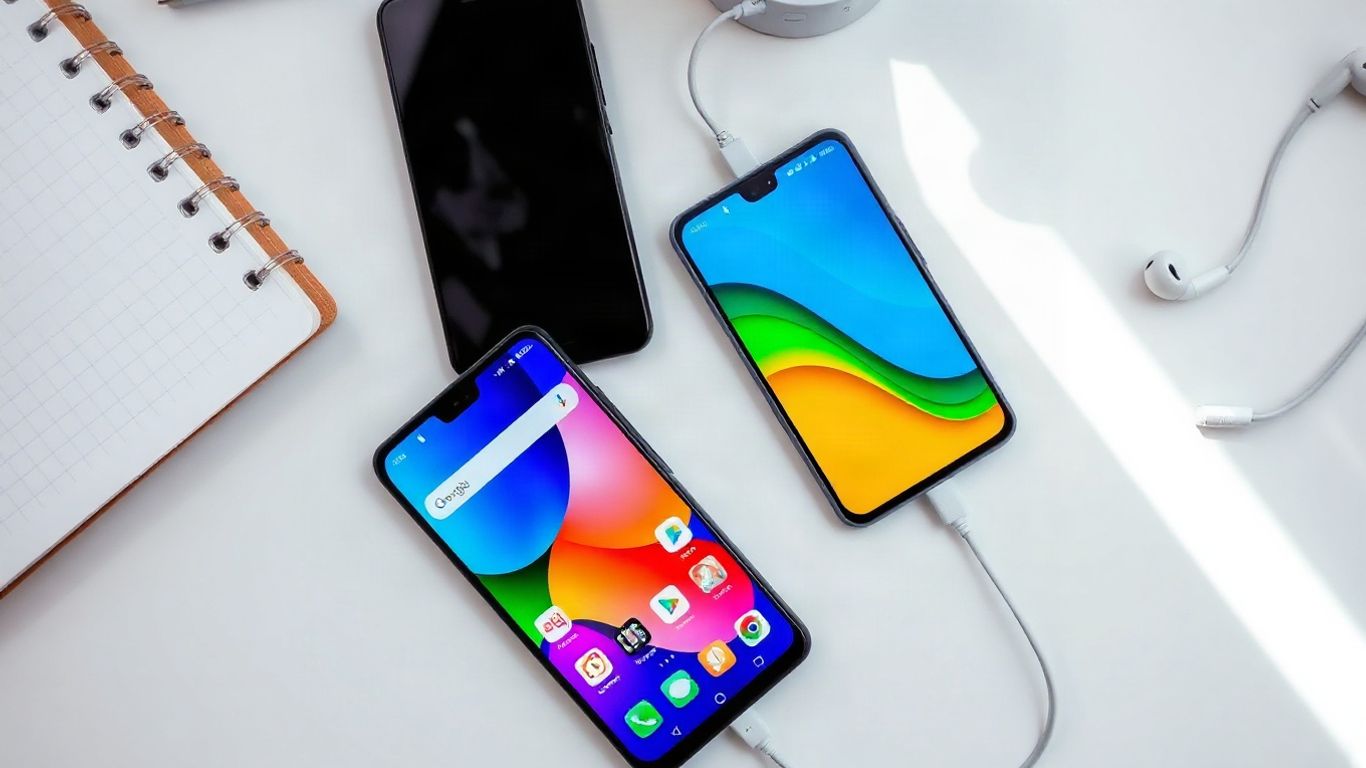
You do not need every Android idea on an iPhone, but several would make everyday use quicker and more personal.
- More flexible home-screen placement would make larger displays easier to organize.
- Better notification history would help you recover messages and alerts you accidentally dismiss.
- A universal back action would reduce awkward reaches across large screens.
- Deeper multitasking, file access, and user profiles would make an iPhone more practical for work and sharing.
- Faster charging and clearer battery tools would give you more control over daily use.
- 1. A more flexible home screen and app layout
- 2. Better notification controls and notification history
- 3. A universal back gesture and back button
- 4. Customizable quick settings and control center
- 5. True split-screen multitasking
- 6. More powerful file management and app access
- 7. Smarter default app and launcher choices
- 8. Always-on display customization with useful widgets
- 9. Guest mode and separate user profiles
- 10. Faster charging, battery tools, and hardware freedom
- Conclusion
- Frequently Asked Questions
- Which Android feature would help iPhone users most?
- Would more home-screen customization make an iPhone harder to use?
- Why is notification history useful?
- Is split-screen multitasking practical on a phone?
- What should a better file manager offer?
- Why would guest mode matter on a personal phone?
- Which battery information is most useful?
1. A more flexible home screen and app layout
Your home screen should feel like a workspace you arrange, not a fixed grid you simply fill. Android features on iPhone: Features We Need On iOS! starts with this basic idea because placement affects how quickly you reach the apps and information you use most. You should be able to leave deliberate gaps, place icons where your thumb naturally lands, and keep a clean first page without sending everything into a separate library.
Widgets have made the home screen more useful, but they would be better with more control over sizing, alignment, and spacing. A weather widget, calendar, or task list should fit the way you use your phone rather than forcing you to rebuild the surrounding layout. You may prefer a sparse page for focus and a denser page for travel, shopping, or work.
A more flexible layout would also make the phone feel more individual without requiring complicated setup. You could keep essential apps near the bottom, group related tools by activity, and change pages for different parts of your day. That is a small design shift, but it would make a large phone feel less like a shelf and more like something arranged for you.
2. Better notification controls and notification history
Notifications are useful only when you can understand and recover them. A stronger history view would let you revisit an alert you swiped away, check which app sent it, and decide whether it deserves another interruption. That would be especially helpful when several messages arrive close together or when you clear the lock screen without reading every line.
The controls should also be easier to adjust in context. You could silence a category temporarily, allow urgent alerts, or reduce repeated notifications without opening a maze of settings. The goal is not fewer notifications at any cost; it is more useful control over when they reach you.
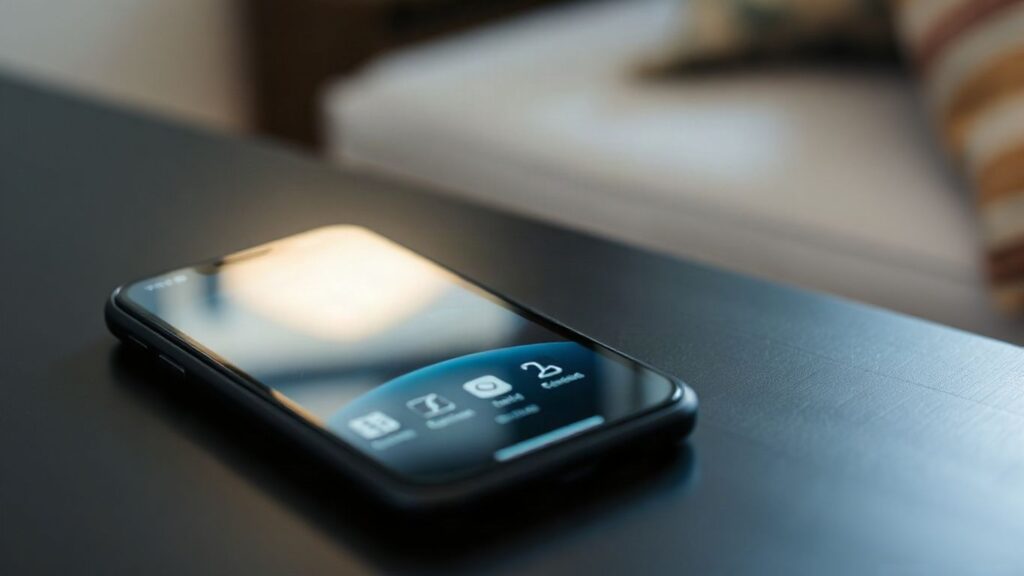
A history panel should remain private and easy to clear, while still giving you enough detail to find a missed reminder. The broader discussion in this Android notification comparison makes the same practical point: small improvements to notification handling can change how calm and predictable a phone feels.
3. A universal back gesture and back button
You should not have to guess where an app hid its back action. A consistent gesture from either side of the screen would make navigation easier, especially when you hold a large phone in one hand. It would also reduce the need to stretch toward a button near the upper-left corner.
The best version would work across system screens and third-party apps, with clear visual or haptic feedback when the action is recognized. It should not replace every app-specific gesture, but it should provide a dependable escape route when you move deeper into a menu, page, or conversation.
Consistency matters more than novelty here. Once you know that the same motion takes you back, you spend less time searching for controls and more time using the app. A visible back button could remain available for people who prefer tapping, while the gesture handles quick one-handed navigation.
4. Customizable quick settings and control center
Quick settings are meant to save time, so you should be able to put your most-used controls where you can reach them. A customizable control center could let you reorder actions, remove controls you never touch, and add shortcuts for settings that currently require several steps. The layout should adapt to your habits rather than assuming everyone uses the same handful of toggles.
A practical setup might include connectivity, brightness, recording, hotspot access, and focus controls on the first page. You could then keep less frequent options one swipe away instead of crowding the main panel. The important part is that customization remains simple enough to change when your routine changes.
Here is the kind of separation that would make a control center easier to design around:
- Everyday toggles should be reachable with one hand.
- Temporary actions should be easy to find and dismiss.
- Device and accessibility controls should not be buried.
- Editing should show a clear preview before you save it.
That arrangement would make the panel feel less like a collection of shortcuts and more like a personal dashboard. You would spend less time opening Settings for small changes, while still keeping the system uncluttered for people who want a simpler setup.
5. True split-screen multitasking
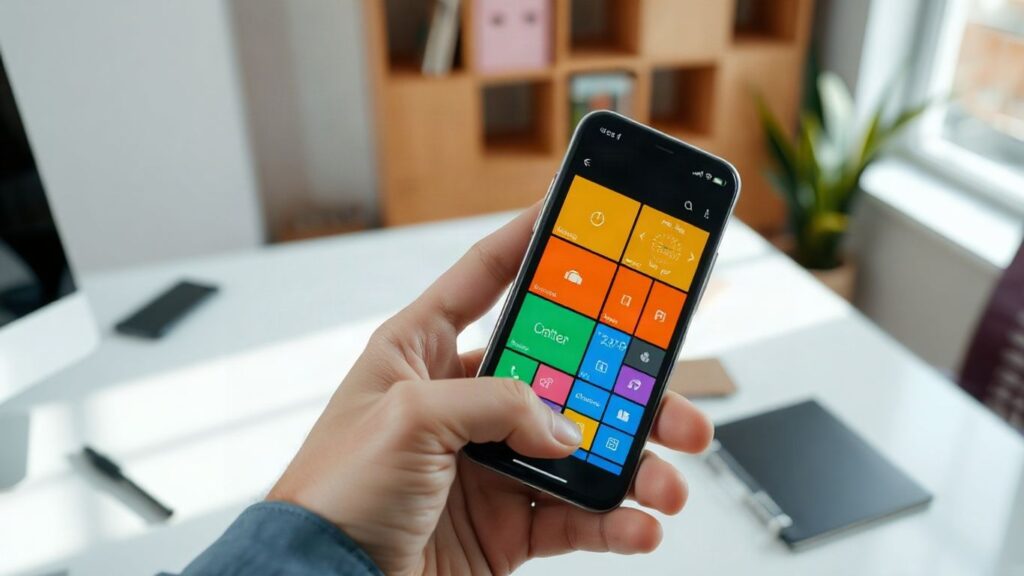
A phone can be a surprisingly capable work surface, but switching between two apps still interrupts your train of thought. True split-screen multitasking would let you read a message while checking a calendar, compare products while keeping notes open, or follow instructions without repeatedly jumping between screens. The value is not squeezing everything together; it is keeping two related tasks visible.
The interface should make resizing, swapping, and closing either pane straightforward. You should be able to choose which app gets more space and save common pairs for repeated tasks. A small handle or simple menu would be enough if it behaves consistently.
Multitasking would be most useful when the phone is on a stand, connected to a larger display, or used for quick practical jobs. It could also make larger iPhones feel less constrained without turning them into miniature desktops. Good split-screen design should reduce friction, not make you manage windows all day.
6. More powerful file management and app access
A capable file manager would make your phone easier to use for documents, downloads, scans, and shared folders. You should be able to see where a file lives, rename it, move it, and open it in the app you choose without navigating a confusing chain of share sheets. Clear storage categories would help you decide what to keep before space becomes a problem.
App access deserves the same straightforward treatment. A phone should make it easy to discover installed apps, manage their permissions, and understand which files each app can access. For shoppers comparing devices, PromoDeals is useful as a place to find mobile phone deals and reviews, but the phone itself should still give you clear control over what happens after you install one.
The best file tools would also support ordinary habits: downloading a document, sending it to another app, creating a folder, and finding it again a week later. You should not need to remember which app originally created a file. A predictable file structure would make iPhone storage feel like something you can manage rather than something that manages you.
7. Smarter default app and launcher choices
You should be able to choose the apps you trust for common actions without repeatedly being redirected to a system preference. Browser, email, maps, music, keyboard, and messaging choices can shape your entire routine. Making those defaults clearer would help the phone fit your habits from the first day.
The launcher deserves similar flexibility. A search-first layout may suit one person, while another may want folders, pages, widgets, or a simpler app list. The useful choice is not unlimited modification; it is having enough options to make the main screen match how you actually find things.
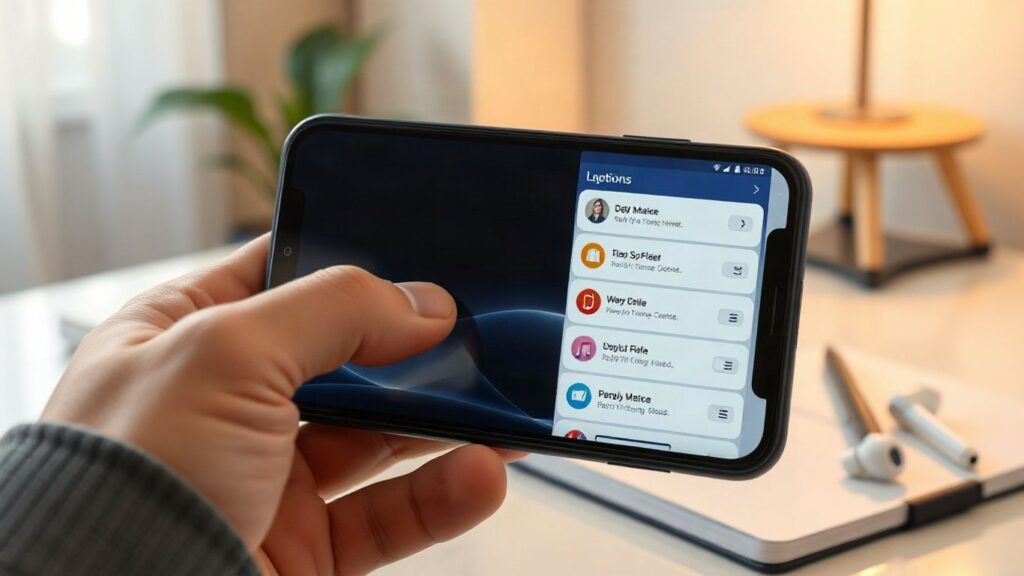
This would also help when you move between devices or change how you work. You could choose a practical arrangement for a new phone rather than rebuilding it one icon at a time. For broader buying context, an iPhone buying guide can help you compare models, but the software experience should still give you meaningful control after the purchase.
8. Always-on display customization with useful widgets
An always-on display should do more than show the time. It could give you a quiet glance at the next appointment, delivery status, timer, weather, or battery level without asking you to unlock the phone. You should be able to choose what appears and decide when the display stays minimal.
Useful widgets would need strong limits. Too much information would turn a glanceable screen into another noisy notification surface. A few configurable elements, adjustable brightness, and schedules for work or sleep would provide more value than a crowded dashboard.
Personal controls would also help with privacy and battery expectations. You could hide sensitive details, turn the feature off during certain hours, or show only basic time and date information. The result should feel calm: useful when you look at it, invisible when you do not.
9. Guest mode and separate user profiles
Sharing a phone is awkward when every account, photo, and notification lives in one space. Guest mode would let you hand the device to someone without exposing your personal apps or conversations. That could be useful when a family member needs to make a call, a child wants to watch something, or a repair shop needs temporary access.
Separate user profiles would go further by keeping settings, logins, and app data distinct. You could have one profile for personal use and another for work, or maintain a restricted profile for occasional borrowing. Switching should be quick, visible, and protected by the same security method you already use.
Privacy is the main reason to want this feature, but convenience matters too. You would not need to sign out of every service before lending the phone, and another person could have a cleaner experience without changing your layout. A thoughtful profile system would make one device more useful in a household.
10. Faster charging, battery tools, and hardware freedom
Charging speed affects how much freedom you feel during a busy day. You should be able to top up quickly when you have only a short break, while battery tools explain which settings are using the most power. Clear charging status, battery health information, and practical limits would help you make decisions instead of guessing.
Hardware choice matters as well. Different people prioritize thinness, battery capacity, repairability, camera hardware, screen size, or price. A broader range of options would let you choose the balance that fits your routine rather than paying for specifications you do not need. PromoDeals brings offers and price drops together, which can make that comparison easier when you are ready to shop.
A useful battery menu might show recent drain, estimated remaining time, and the effect of common settings in plain language. You could then decide whether to reduce background activity, lower brightness, or carry on normally. For a broader range of phone offers, mobile phone deals can help you compare prices, but better system tools would remain valuable on whichever device you choose.
| Battery tool | Why it would help | Best use |
|---|---|---|
| Recent usage view | Shows which apps and settings consumed power | Finding unusual drain |
| Charging controls | Helps manage charging habits and timing | Overnight or travel charging |
| Battery health details | Gives you a clearer view of long-term capacity | Deciding when to replace a battery |
A small amount of honest information can make battery behavior feel far less mysterious. You would know what changed, what you can adjust, and when a hardware limitation—not a hidden setting—is responsible.
Conclusion
The best Android features on iPhone would not make iOS complicated; they would give you more say over navigation, layout, notifications, multitasking, privacy, and battery use. The common thread is practical control, with sensible defaults for people who do not want to customize everything. That balance could make an already familiar phone feel more personal without losing its ease of use.
Frequently Asked Questions
Which Android feature would help iPhone users most?
A universal back action may help the most because it affects nearly every app and makes one-handed navigation easier on larger phones.
Would more home-screen customization make an iPhone harder to use?
Not necessarily. Customization can remain optional, with a simple default layout for people who prefer not to adjust anything.
Why is notification history useful?
It gives you a way to recover alerts that were dismissed accidentally and review which apps are creating interruptions.
Is split-screen multitasking practical on a phone?
It can be practical for short tasks such as comparing information, following instructions, checking a calendar, or keeping notes visible beside another app.
What should a better file manager offer?
It should make files easy to locate, rename, move, share, and open in the app you choose, while clearly showing how much storage is available.
Why would guest mode matter on a personal phone?
Guest mode would let someone use selected functions without exposing your private messages, photos, accounts, or app settings.
Which battery information is most useful?
Recent usage, charging status, battery health, and estimated remaining time provide a practical view of what is happening and what you can change.